OK a bit of info might be good here.
Did you get Irfan View, as I suggested in an earlier post?
I ask because I use it, I know it well, and it's easy to work with. Fast, small footprint, free and does a great job.
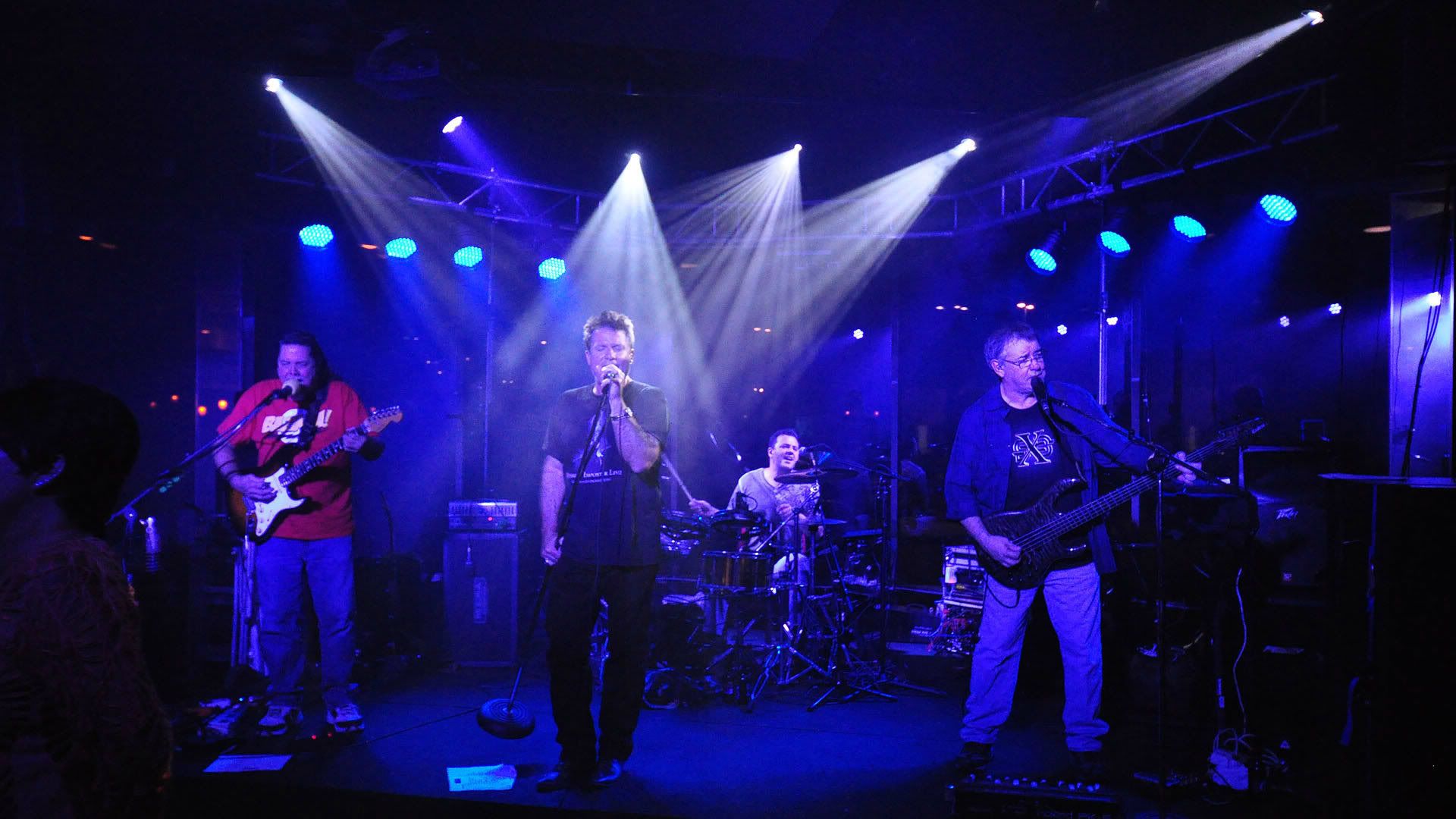
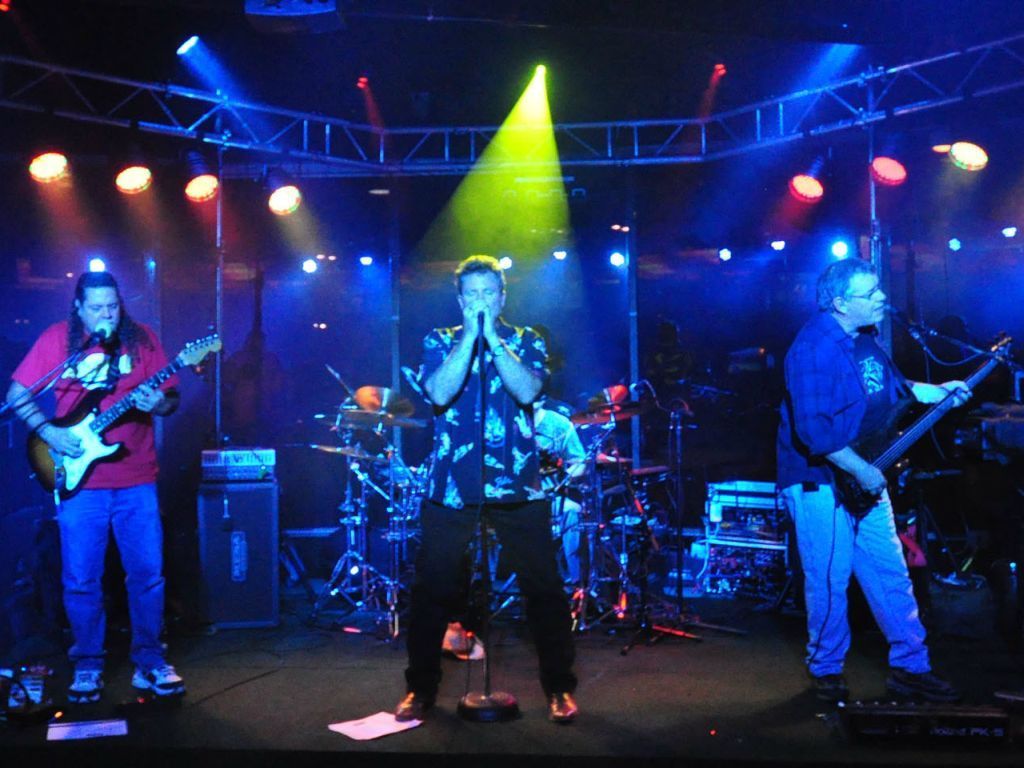
OK anyway, no matter what software you use, you need to know what pixel size you start with.. My Pentax (12 megapixel) takes pictures at 4288x2848 pixels. That's huge...but iit will print a poster at good quality. So I start by cropping...that's picking out a certain portion of the picture and discarding the rest. (I always rename the picture when I save it, so the original remains untouched). so if I want a shot to show online, say on this forum, I want it to finally end up at 1024x768. That ends up like this.

SO I find out what crop sizes will let me resize the final result to 1024x768. Here's a list
1280x960
1600x1200
2048x1536
3072x2308
3584x2688
That's about the range I can use with a shot that starts at 4288x2848 There's also one at 4096 wide, but I forget the height. Those are all width by height, by the way.
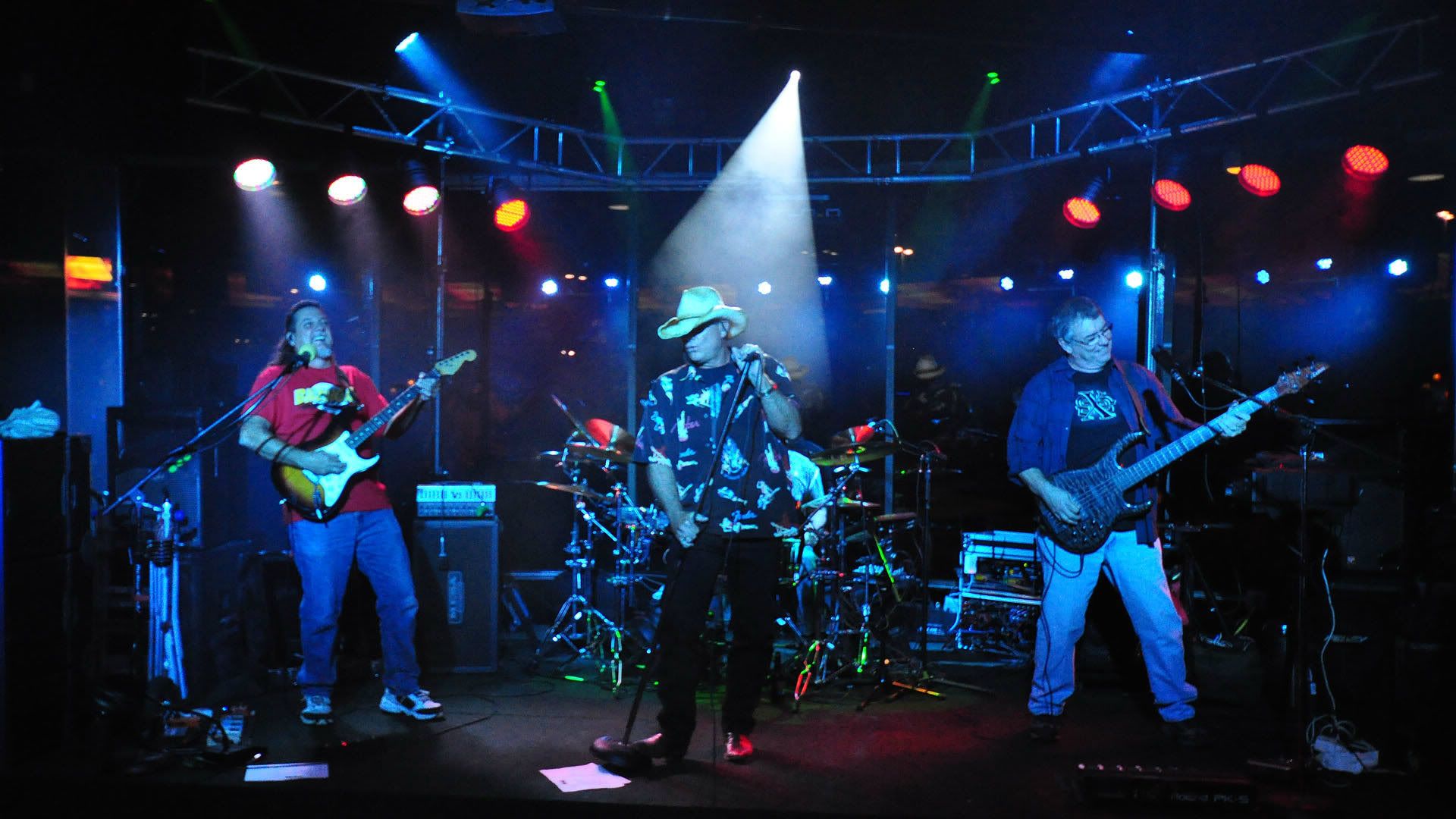
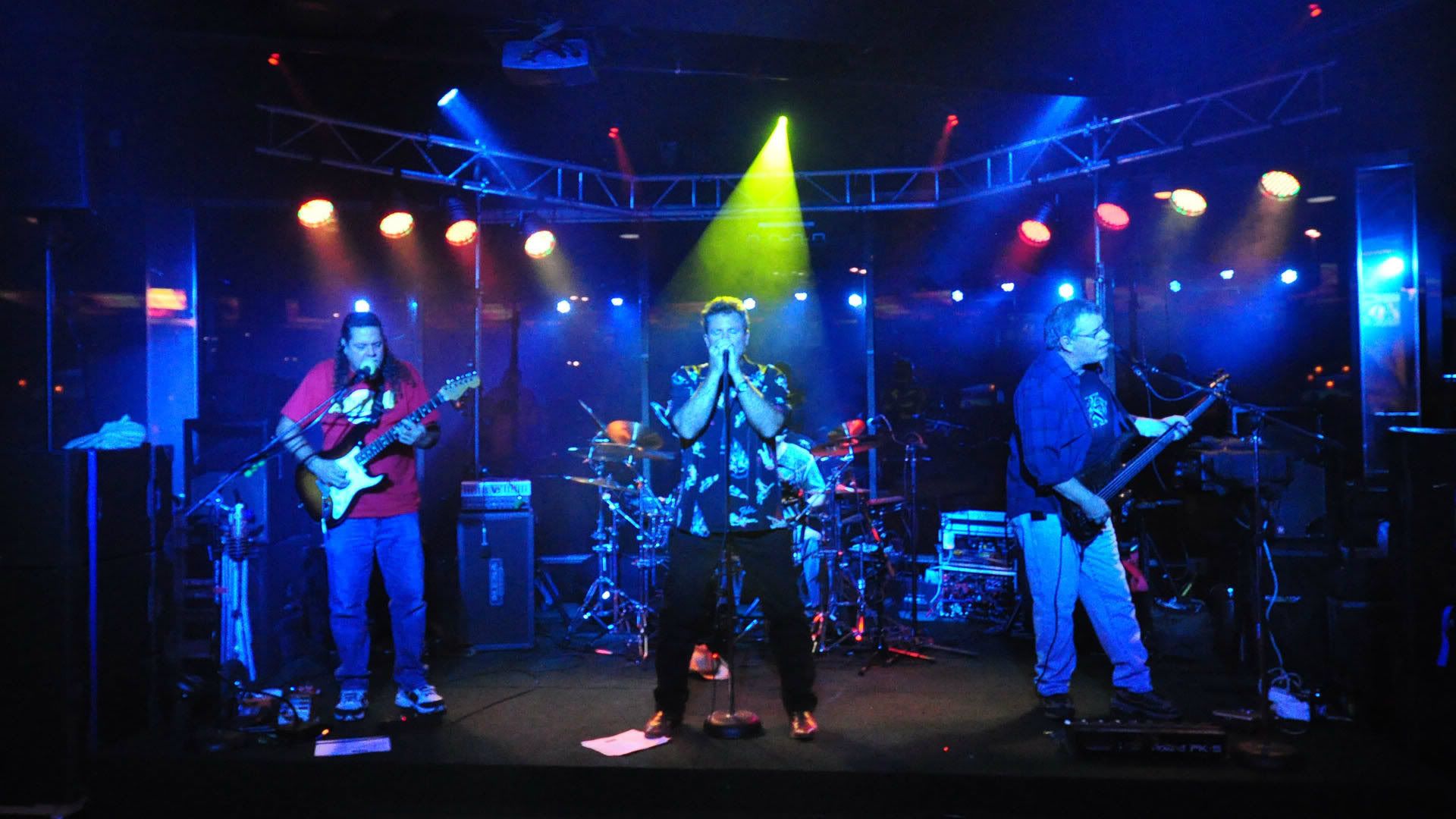
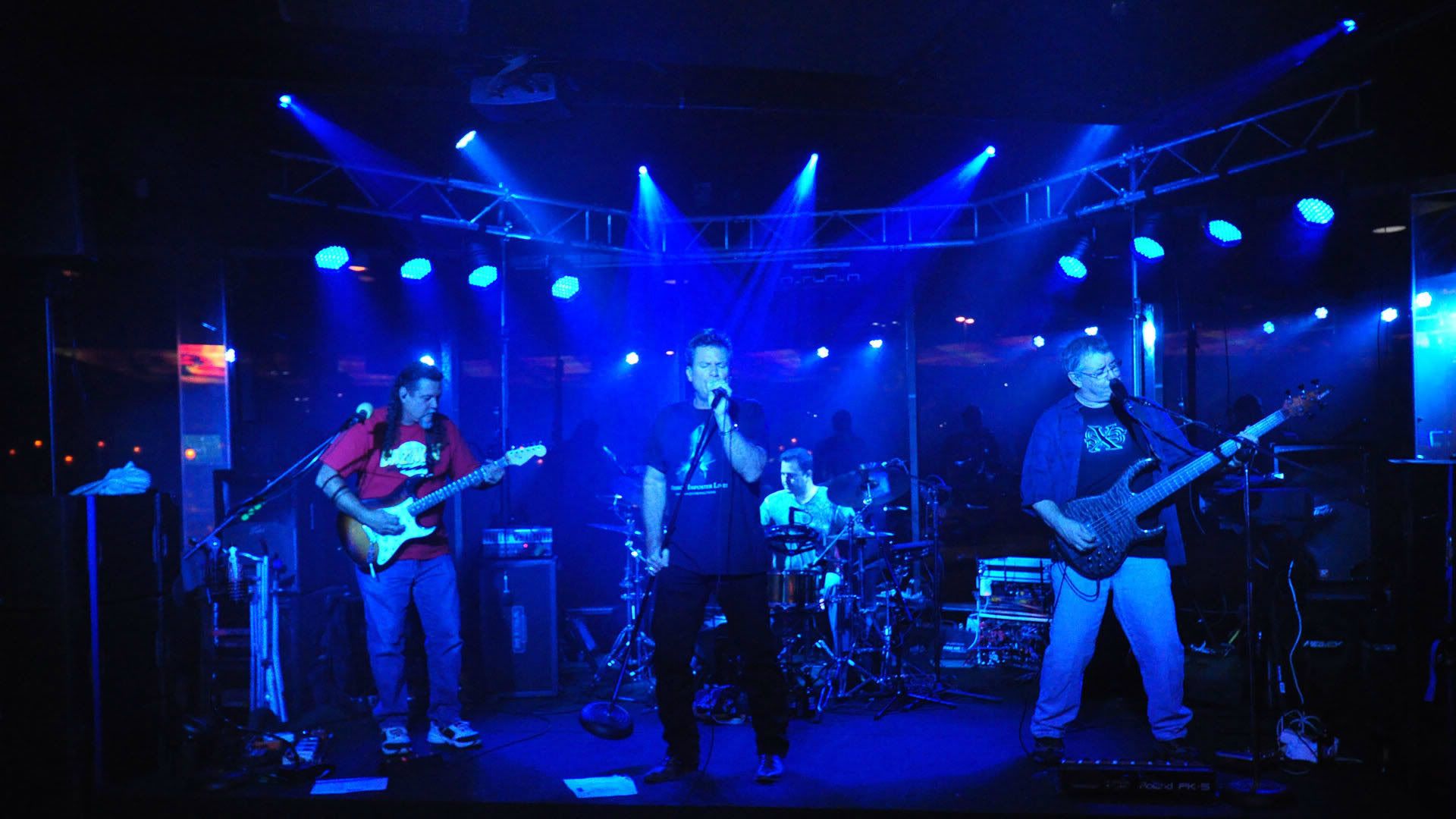
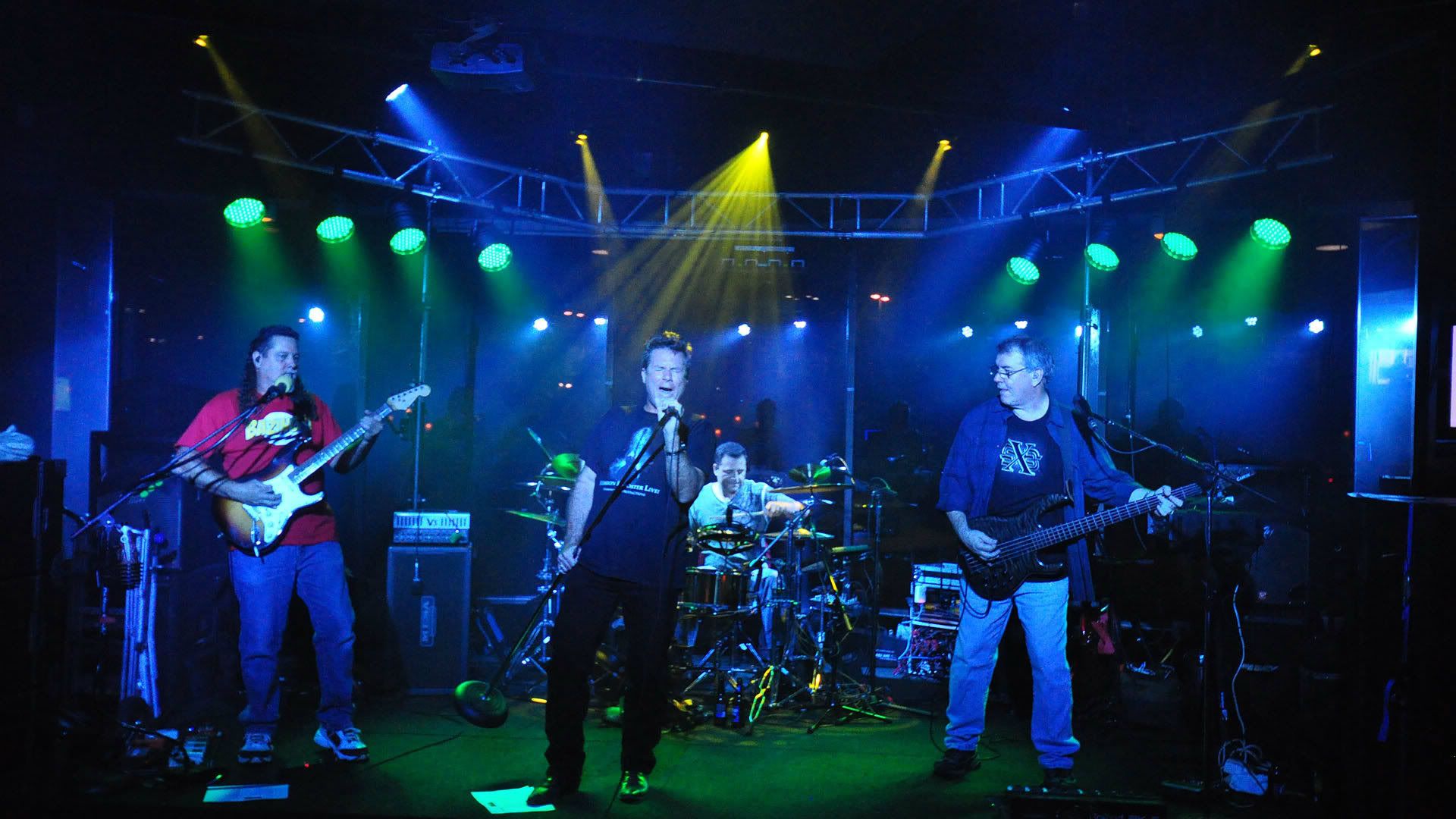
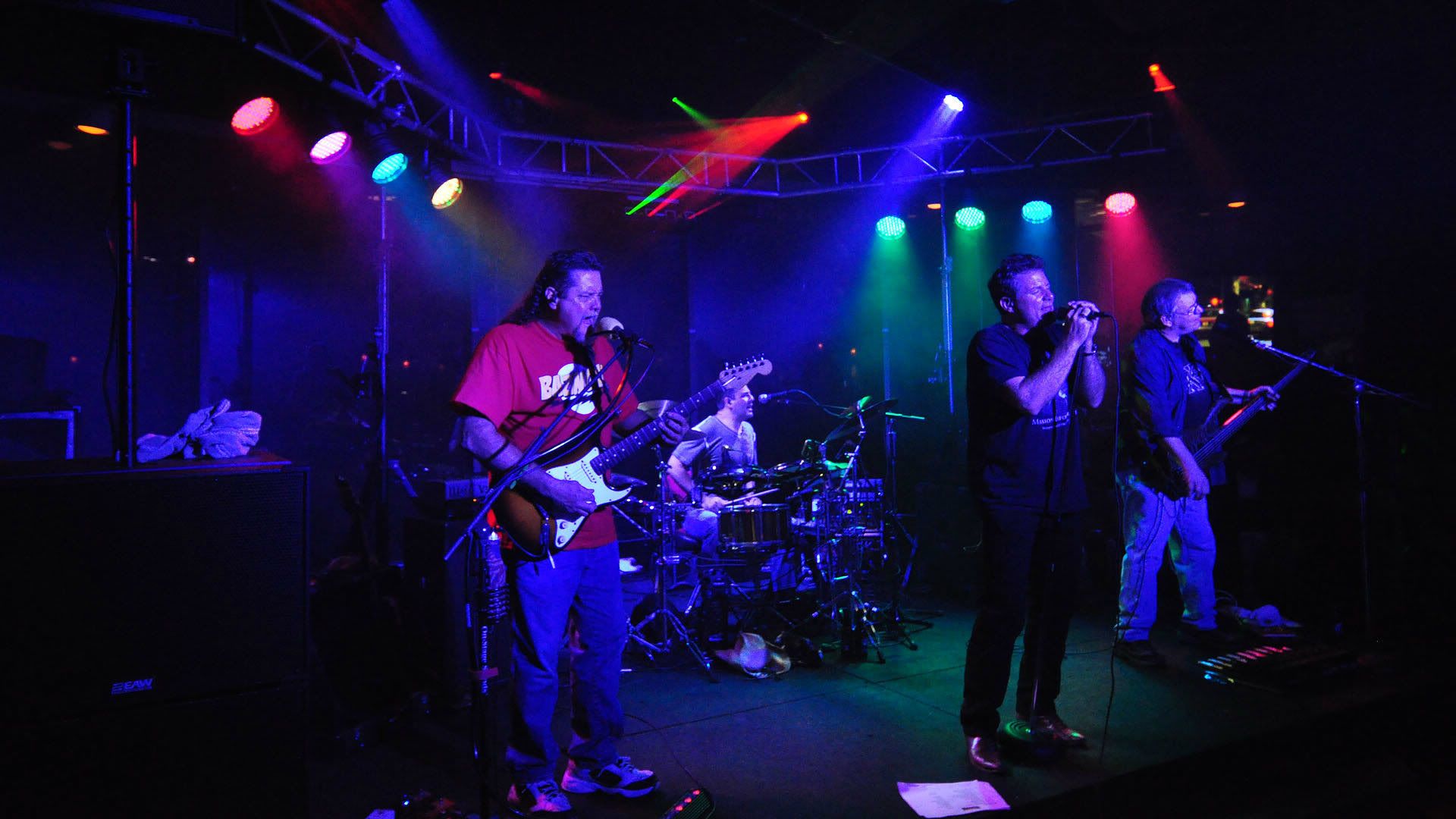
so let's say I crop at 3072x2308. That's a lot bigger than your shots here, I saved the first one so I could get the existing pixel size. It's 1920x1080. My 3072x2308 would the be resized to 1024x768 and woould look exactly like the one posted above. That's the size it was saved at, while it was originally cropped I think at 1280x960, maybe 1600x1200.
I use Irfan View because all this is very easy to do. And you notice I never said a thing about percent...Digital pictures and monitors work on pixel sizes. The older monitors were usually set at 1024x768 resolution, so if I looked at a picture in full screen mode, (which Irfan View also does extremely well as just a picture viewer, no I don't work for them) it shows up at exactly full size.
Newer wide screen monitors (mine anyway on this laptop) are set at 1366x768. That means 1024x768 is narrower, but still the same height, so it still gives me a view at full size in full screen mode. And coincidentally is a pretty good size for web viewing, even though you do still have to scroll sideways a bit.
The only time I worry about percent is if I have to enlarge. so if I want to keep the aspect ratio (the 1024x768 or whatever pixel size) and enlarge a picture, I use 150 or 200%. Otherwise, I go with pixel size, because that's what cameras, monitors and printers use..
Printing...Printing uses a different ratio. 3072x2048 is my favorite, I can print anything from 11x14 down to wallet size with that pixel size. Actually, smaller will still print at 8x10, but I try to go no smaller than 3072x2048 for printing. A few minutes with a calculator will give you the right crop sizes to keep that aspect ratio.
I just checked and your picture here seems to match my desktop size, 1366x768. That's too wide for print format, but fine for viewing on a wide screen monitor in full screen mode. All you would have to do is resize this to 1366x768 and it would still be a bit wide, but not as bad as what you have now.
Here is your shot again, simply resized to 13665x768
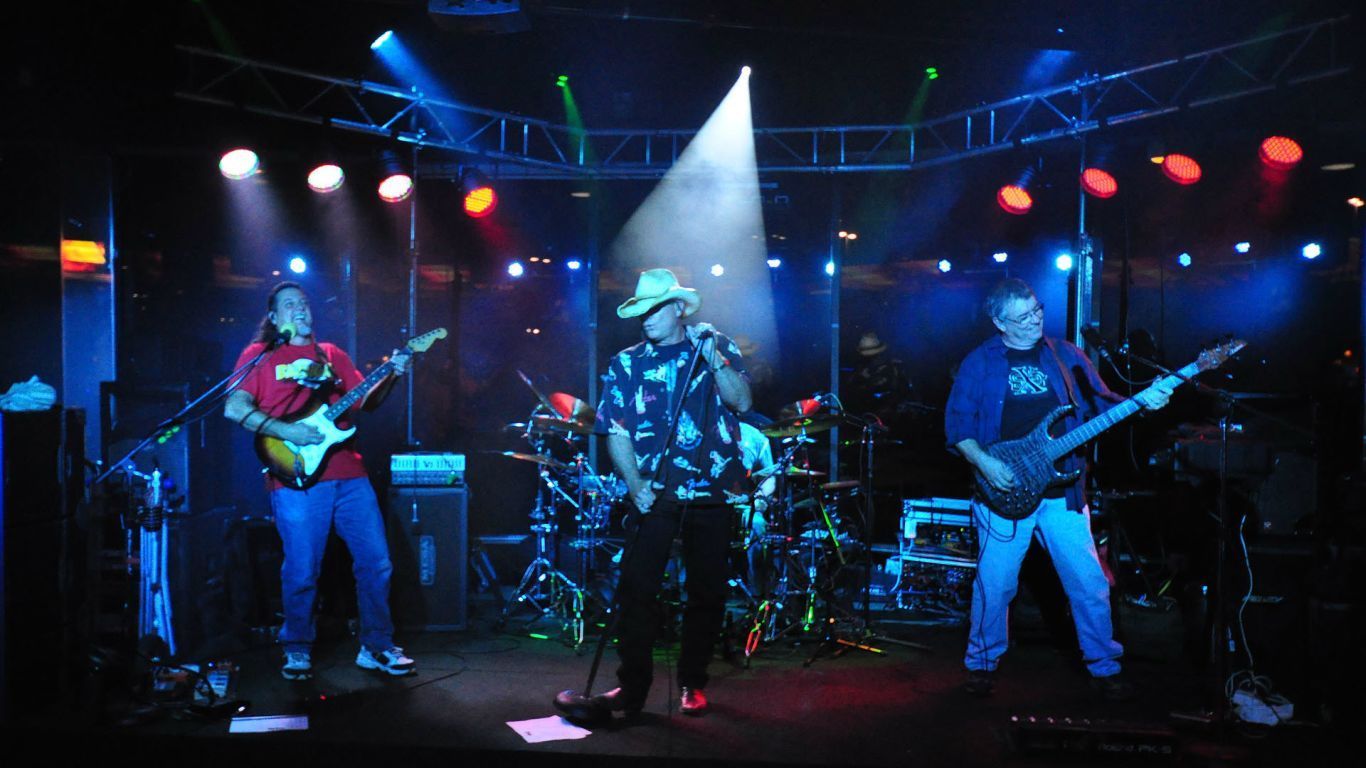
Took me about 20 seconds.
[/img]
I'm a member of the BOMB SQUAD.
If you see me running, better catch up!
http://billy-griffis-jr.artistwebsites.com/