This is a MUSIC forum. Irrelevant or disrespectful posts/topics will be removed by Admin. Please report any forum spam or inappropriate posts HERE.

All users can post to this forum on general music topics.

Moderators: bandmixmod1, jimmy990, spikedace

#182625 by J-HALEY
Sun Aug 19, 2012 7:49 pm
Image

Image

Image

Image

Image

Image

#182627 by J-HALEY
Sun Aug 19, 2012 7:53 pm
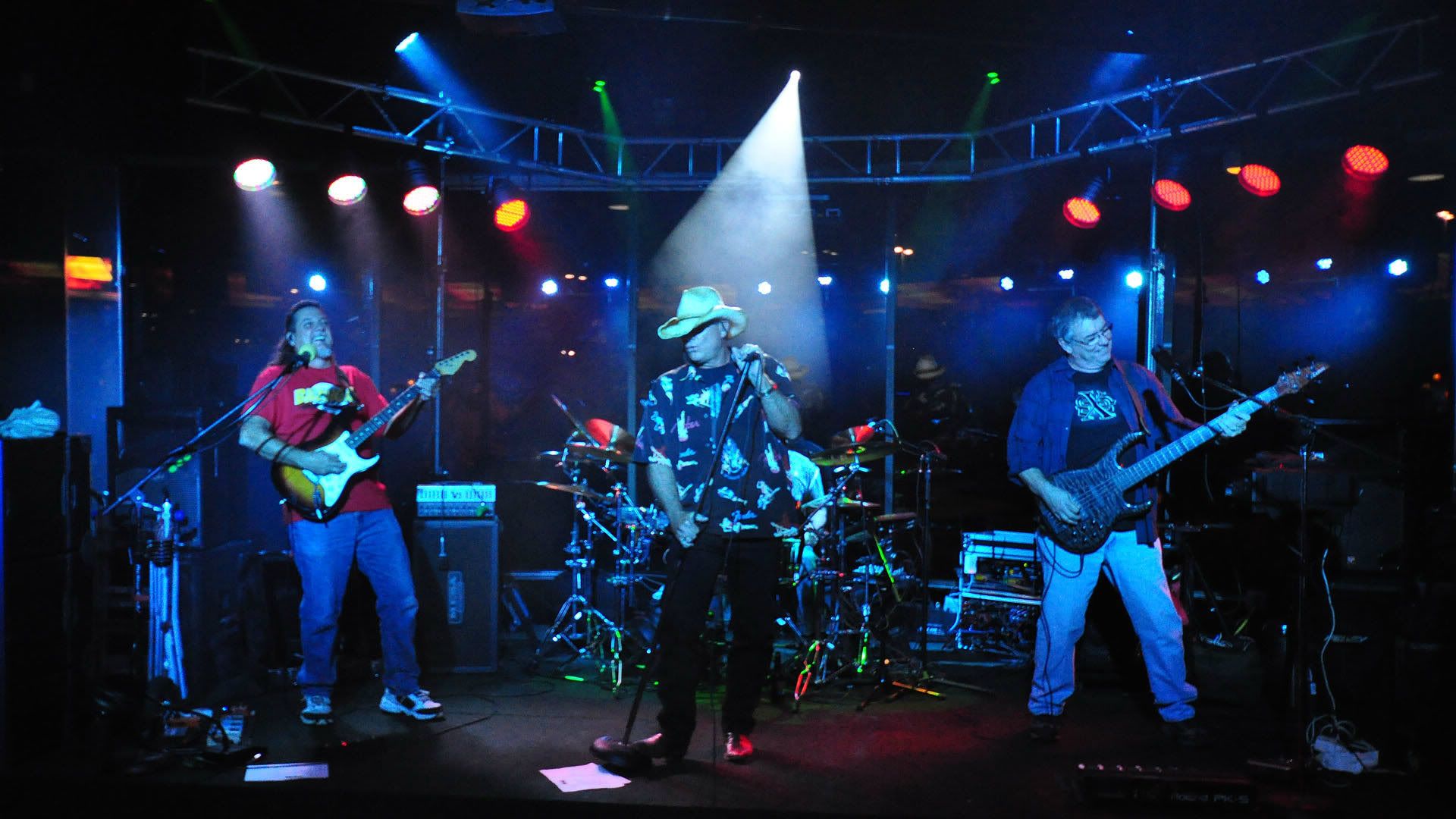
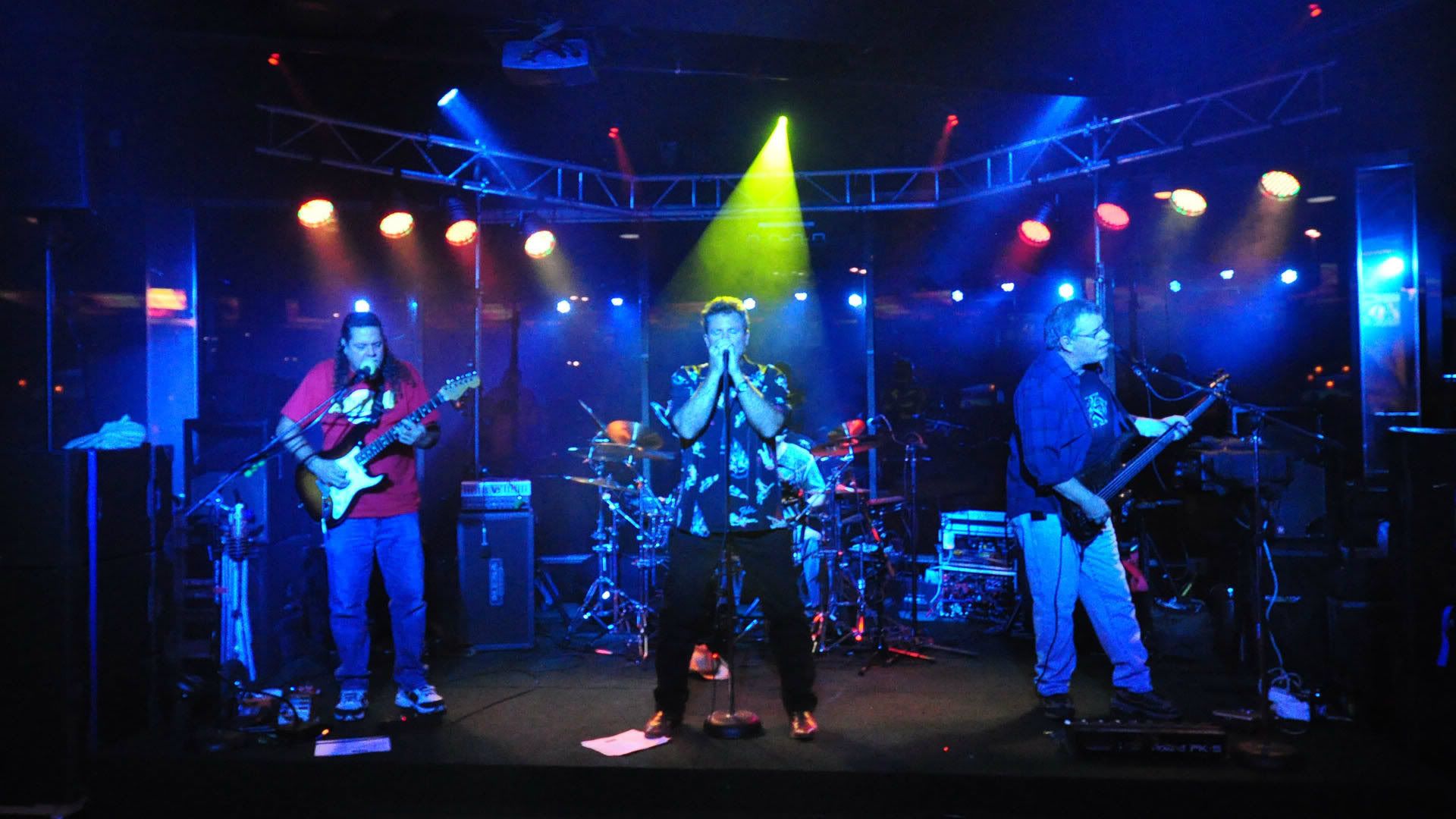
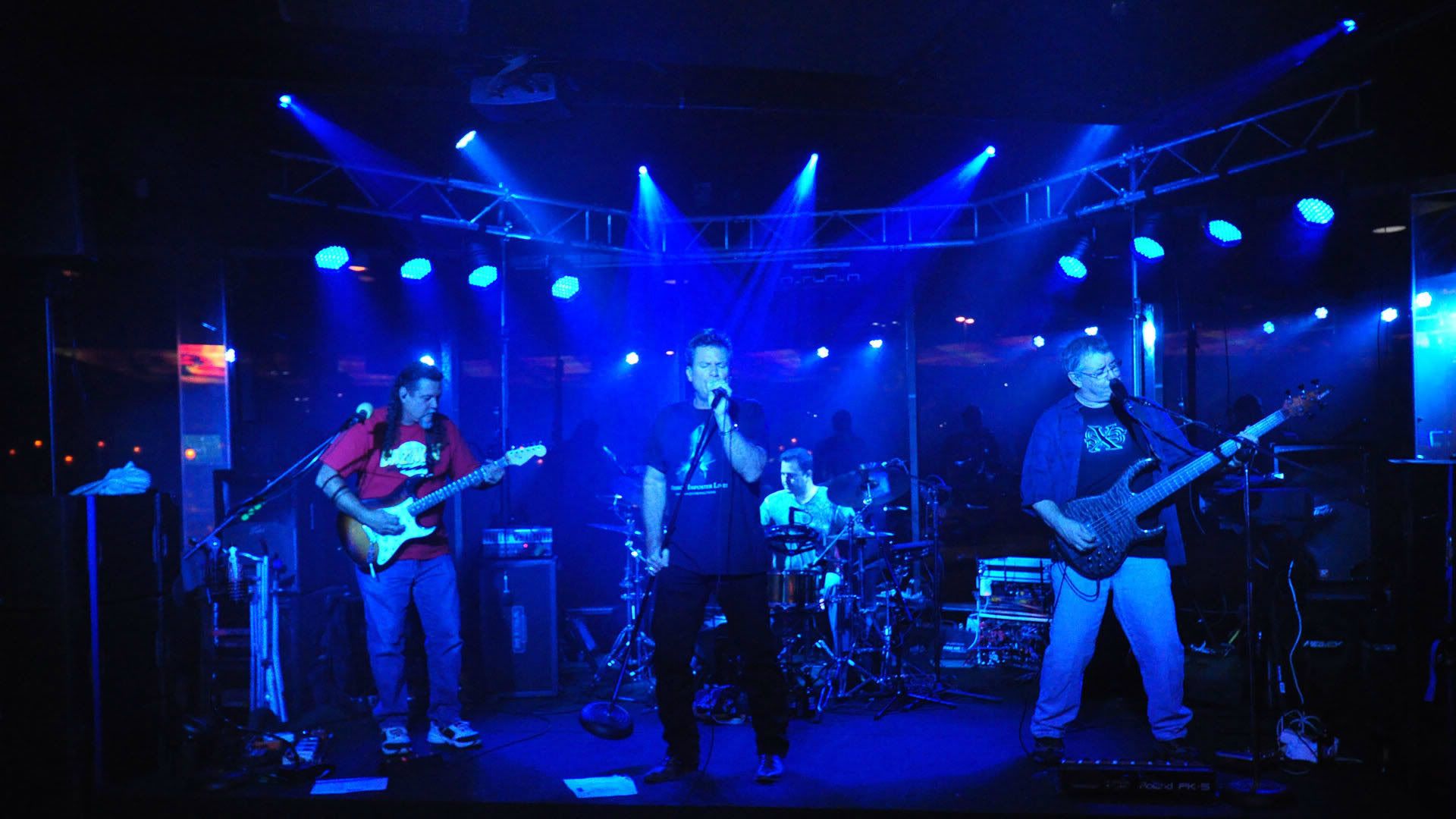
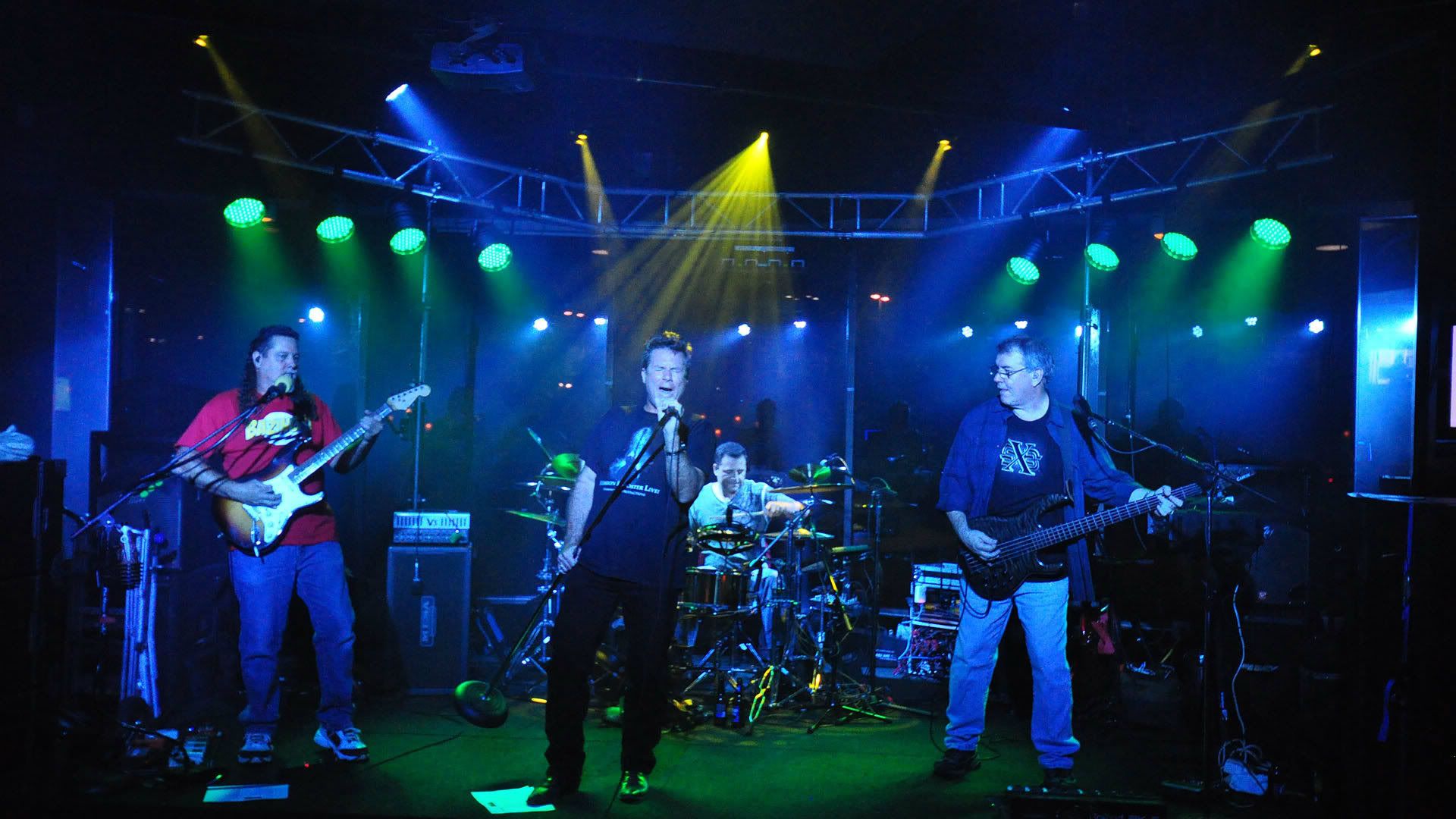
This is my first attempt at editing photos LMAO! I guess taking them from 38% to 30% is not enough! Oh well what do you expect from a mullet wearing dumbass from Texas! :wink:

#182631 by gbheil
Sun Aug 19, 2012 8:05 pm
I personally like the full screen photos and don't at all mind scanning them with my mouse.

At first I thought you were singing into a Tennis ball . . . :lol:

#182634 by J-HALEY
Sun Aug 19, 2012 8:14 pm
:lol: :lol:

I know you know that is a wind screen over my Beta 87A mic. we were playing inside but I use it because I have a fan on me and don't want that wind noise going thru the p.a. Which is silly because Barry prolly has the vocal mics gated! :lol:

#182641 by Chaeya
Sun Aug 19, 2012 8:45 pm
Nice photos, J!

Chaeya

#182650 by gbheil
Sun Aug 19, 2012 9:18 pm
We use the pop filter / screens too. Keeps the slobber off your mic LMAO

I notice also the mic on your cab . . . I'm loving mine.
Eric found the sweet-spot on my Class5 as i played the other night.
Everyone in the band is impressed with the amp and the mic. 8)

#182651 by GuitarMikeB
Sun Aug 19, 2012 9:41 pm
Now that looks like a great rocking place with a good stage set-up!

#182683 by J-HALEY
Mon Aug 20, 2012 12:37 am
I love the shirt my wife bought me! "Bazinga" :wink:

#182717 by PaperDog
Mon Aug 20, 2012 4:55 am
Great Pics Jeff! :D

#183180 by Paleopete
Fri Aug 24, 2012 1:17 pm
OK a bit of info might be good here.

Did you get Irfan View, as I suggested in an earlier post?

I ask because I use it, I know it well, and it's easy to work with. Fast, small footprint, free and does a great job.

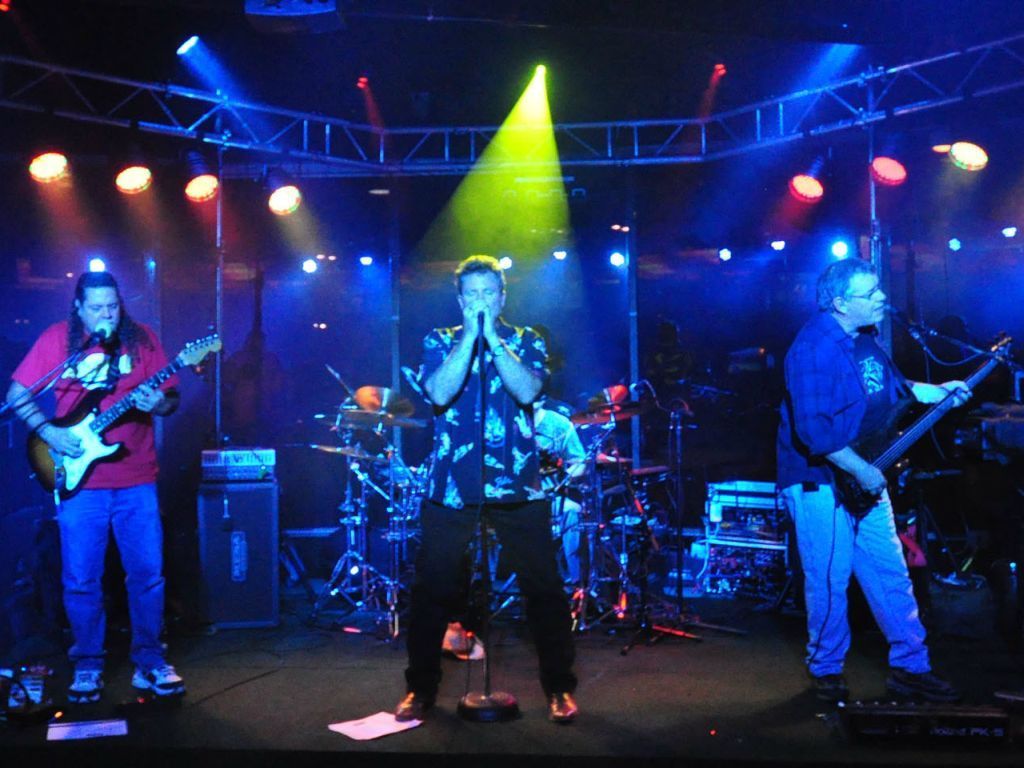
OK anyway, no matter what software you use, you need to know what pixel size you start with.. My Pentax (12 megapixel) takes pictures at 4288x2848 pixels. That's huge...but iit will print a poster at good quality. So I start by cropping...that's picking out a certain portion of the picture and discarding the rest. (I always rename the picture when I save it, so the original remains untouched). so if I want a shot to show online, say on this forum, I want it to finally end up at 1024x768. That ends up like this.

Image

SO I find out what crop sizes will let me resize the final result to 1024x768. Here's a list

1280x960
1600x1200
2048x1536
3072x2308
3584x2688

That's about the range I can use with a shot that starts at 4288x2848 There's also one at 4096 wide, but I forget the height. Those are all width by height, by the way.

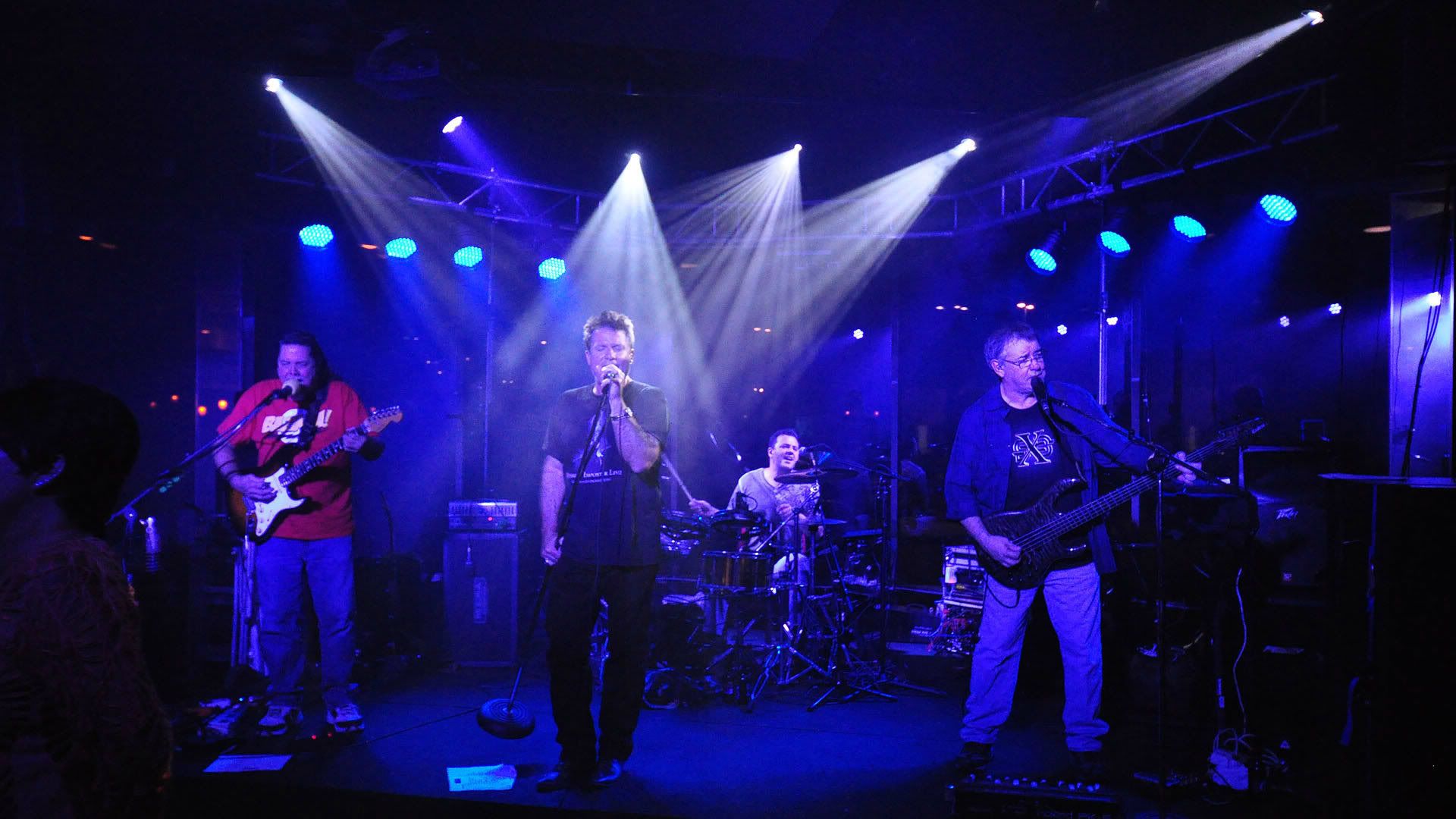
so let's say I crop at 3072x2308. That's a lot bigger than your shots here, I saved the first one so I could get the existing pixel size. It's 1920x1080. My 3072x2308 would the be resized to 1024x768 and woould look exactly like the one posted above. That's the size it was saved at, while it was originally cropped I think at 1280x960, maybe 1600x1200.

I use Irfan View because all this is very easy to do. And you notice I never said a thing about percent...Digital pictures and monitors work on pixel sizes. The older monitors were usually set at 1024x768 resolution, so if I looked at a picture in full screen mode, (which Irfan View also does extremely well as just a picture viewer, no I don't work for them) it shows up at exactly full size.

Newer wide screen monitors (mine anyway on this laptop) are set at 1366x768. That means 1024x768 is narrower, but still the same height, so it still gives me a view at full size in full screen mode. And coincidentally is a pretty good size for web viewing, even though you do still have to scroll sideways a bit.

The only time I worry about percent is if I have to enlarge. so if I want to keep the aspect ratio (the 1024x768 or whatever pixel size) and enlarge a picture, I use 150 or 200%. Otherwise, I go with pixel size, because that's what cameras, monitors and printers use..

Printing...Printing uses a different ratio. 3072x2048 is my favorite, I can print anything from 11x14 down to wallet size with that pixel size. Actually, smaller will still print at 8x10, but I try to go no smaller than 3072x2048 for printing. A few minutes with a calculator will give you the right crop sizes to keep that aspect ratio.

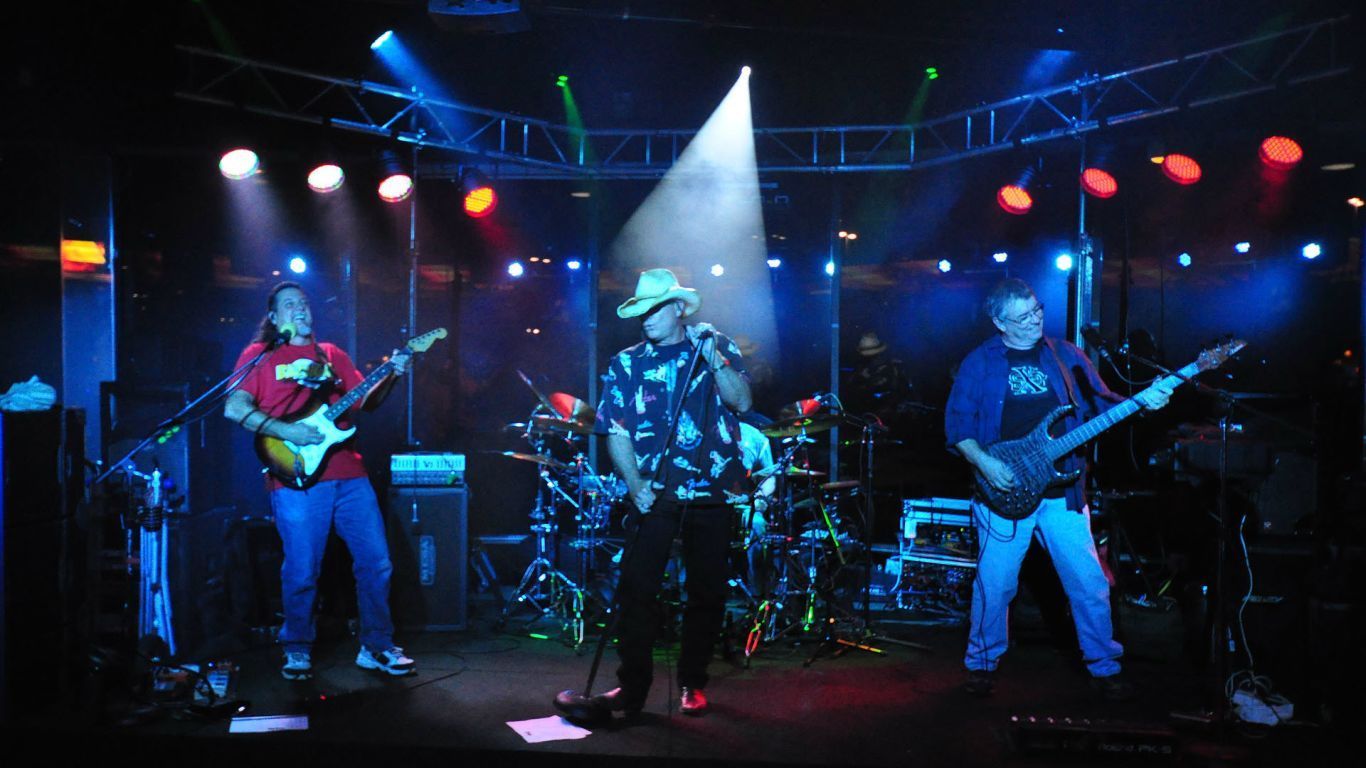
I just checked and your picture here seems to match my desktop size, 1366x768. That's too wide for print format, but fine for viewing on a wide screen monitor in full screen mode. All you would have to do is resize this to 1366x768 and it would still be a bit wide, but not as bad as what you have now.

Here is your shot again, simply resized to 13665x768
Image

Took me about 20 seconds.

[/img]

#183183 by Paleopete
Fri Aug 24, 2012 1:30 pm
OK, decided to try it another way too, cropped the second shot at 1280x960. Best I could do with the existing file size. this lets me resize to 1024x768. Looks like this.

Image

Again, less than 30 seconds and I'm done. With your original size shots, it might take me a minute or two...I use mostly keyboard shortcuts. [Alt]+[E] brings up the Edit menu, two arrows down gets me Custom Crop sizes, [Enter] pops up that screen. Type or use the drop down box for the crop size I want, [Enter] does it. [CTRL] + [R] brings up the Resize box, same scenario. It all takes a bit over a minute with my wildlife shots.

Not hard at all, once you understand how the pixel sizes and aspect ratios work.

Here's one I did a while back of a local band at an outdoor rally. It wasn't even a decent shot in color, but when I turned it into black and white, it just worked, even though nobody is in focus. A bit of contrast, the right size crop, and it looks great now.

Image

All it takes is a bit of practice...

Oh yeah...hope you don't mind my tinkering with your pictures. But that's the best way to show you what can be done, with a bit of work.

#183186 by Drumsinhisheart
Fri Aug 24, 2012 1:35 pm
I appreciate all the info, Paleopete. Thanks.

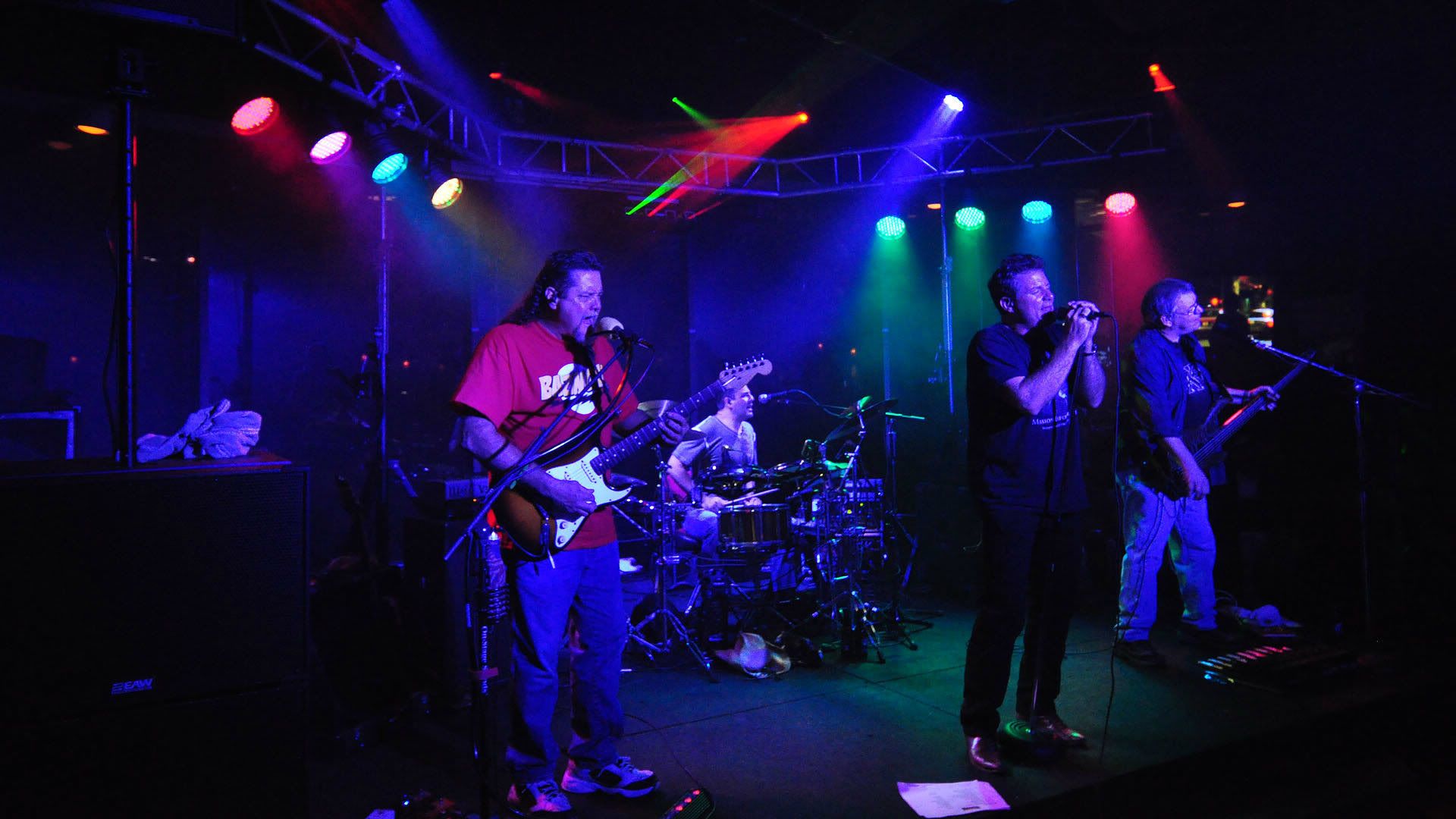
J, that's quite an interesting set up your drummer uses. I can't make out any edrum kicks, but that must be what he uses, right?

#183225 by J-HALEY
Fri Aug 24, 2012 4:21 pm
Billy, thanks so much for the info! I sized the pictures with the photobucket. I am not much of a picture, technology,computer guy. We have a gig tonight at a REAL NICE CLUB so I am sure Barry will take more video's and probably more pics too. I will check into this software and give it a shot, much thanks again!

drums, our drummer uses rototoms for all toms some kind of snare that is very loud our sound guy complains that he has to keep the fader very low most times it's not even in the mix. Tonights gig is in a place that can hold about 1000 people so it is big enough that he will prolly have the fader at closer to normal levels. Eric also uses a Roland SPD sx pad that he uses a kick pedal with a trigger and gets the bass drum sound from the pad. That pad is great he has all kinds of sounds coming out of that thing bongo's all kinds of things sampled. We do Too Much Time On My Hands (by Styx) he has that intro keyboard part sampled. It opens a lot of options for us and helps us sound like a bigger band than just a 3 piece with a lead singer even though that's what we are.

#183226 by Planetguy
Fri Aug 24, 2012 4:29 pm
so, does your drummer use the roland pad to trigger other sounds besides the kick? like keys or something?

i play w a drummer that has one and he's brought that out to small band prcts using each of the pads for different parts of the kit. not my fave approach cos the sound ain't all that happenin' but man you can't beat the portability.

#183228 by J-HALEY
Fri Aug 24, 2012 6:20 pm
Planetguy wrote:so, does your drummer use the roland pad to trigger other sounds besides the kick? like keys or something?

i play w a drummer that has one and he's brought that out to small band prcts using each of the pads for different parts of the kit. not my fave approach cos the sound ain't all that happenin' but man you can't beat the portability.


Yes when we rehearse (which is about 1 x every 3 months) he brings the pad and uses it for the full kit. At gigs he triggers other sampled sounds besides just the kick. We are 3 piece with a lead singer but we sound like a 5 piece. The bass player Randy also has a pedalboard at his feet connected to a sampler that he plays hammond organ parts with. A small portion of our sound is sampled for instance when I go to a lead Randy plays sampled parts for rythm behind me. When we do "Photograph" Def Leperd there is a reverse dive bomb on guitar just before the guitar solo. At a rehearsal we connected my guitar mic. into the drummers pad I played the re dive bomb while Eric the drummer sampled it into his pad. Now when we perform the song I play the rythm guitar part and Eric triggers the bomb thru his sampler. These are small detail things in the scope of our sound that add up to a bigger sound without all the drama of adding the extra members. We all get along REAL well and really don't need to add keyboard player. IME keyboard players tend to be finicky!

Who is online

Users browsing this forum: No registered users and 2 guests